
.png)


.webp)




.webp)
.webp)
.webp)
.webp)
.webp)


.webp)











Gallery
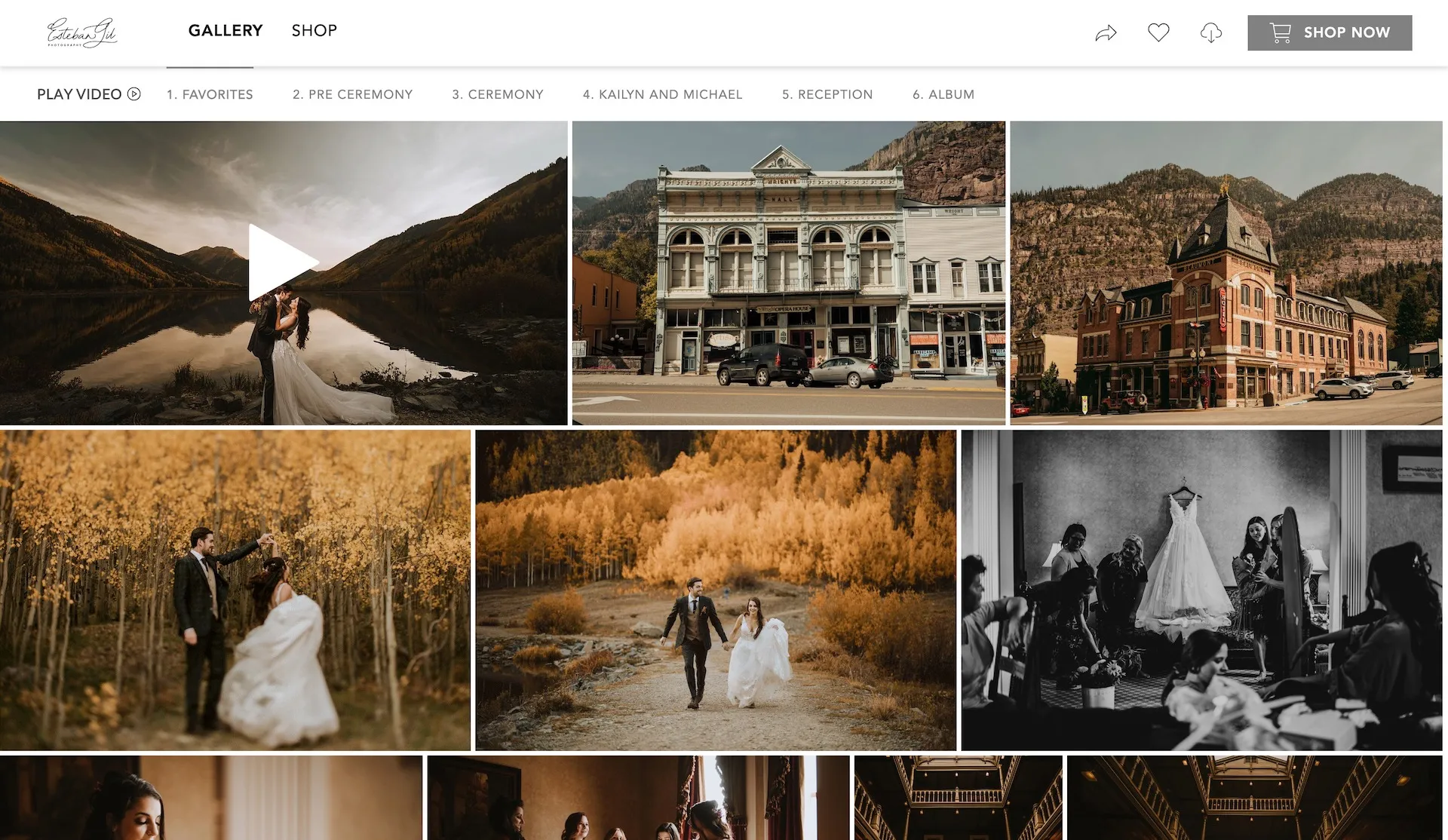
Ways to Use Video in Photography Galleries
Impress your clients and answer their questions before they even have them by integrating video in your client galleries! With CloudSpot, you can add a video at the top of each gallery you send. This is the perfect place to go above and beyond when it comes to serving your clients.


Print Sales

Photography Print Catalog: How to Build One for Your Niche
Not sure what to sell in your photography print catalog? This guide walks you through exactly how to choose products that fit your niche and boost print sales.
Community

How to Refer Friends for CloudSpot Discounts
Ready to start sharing all about your love for CloudSpot with your friends, but unsure what to share? Where to start?! We have you covered!
Marketing

Photography Website and Portfolio Must Haves
I’ve worked with countless photographers, helping them hone in on designs that are unique to them and speak directly to their ideal client(s). However, there are a few items that are often missed or left out to have a successful website. I wanted to share some of my top tips to help YOU make an impact with your online presence including a photography website and portfolio must-have checklist.
Workflow

Amalie Orrange’s Five Favorite Features in CloudSpot for Brand Photography
There are a ton of features that I love as a photographer, but specifically as a brand photographer, CloudSpot has really helped me grow my business which is what I love most. In addition to having more time to do what I love, I can make more money because it is so easy for clients to pick images for me to edit. They receive a select number of files with their brand session package and many tend to purchase more files from their gallery too. More money in my pocket is always a win!
Workflow

How to Easily Create a Unique Client Gallery Experience with GIFs
The idea of adding videography to my list of tasks for a session or wedding seemed daunting. Adding multiple images of the same moment to a gallery seemed repetitive. The solution I found? GIFs! Creating a GIF became an easy way to show snippets of motion in my galleries, without changing much about how I was shooting


