














ou spent years learning light, posing, and how to make a nervous couple laugh. Your Instagram feed shows it. Then someone taps the link in your bio and lands on a plain stack of buttons in a default font, with no sign of your style and no way for you to know they were ever there. This guide is for wedding, family, and portrait photographers who want that tap to count. The tools below were chosen on four things: how well they match your branding, how clearly they lead to a booking, what they show you about visitors, and what they cost.
A widely repeated figure says 81% of people research a business on Instagram before buying, but I couldn't confirm a named source and year for a photographer-specific number, so treat any exact percentage with caution. The pattern is easy to see anyway. Potential clients look at your feed quietly, and if they like what they see, the link in your bio is the next tap. That page is where a visitor becomes an inquiry or disappears without a trace.
Quick Comparison of the Link in Bio Tools
- CloudSpot Social Site: best for photographers who want an on-brand page that shows which clicks become inquiries; free; it tags inquiries and bookings back to the Social Site so you can compare sources like Instagram and TikTok. Analytics are also included for free unlike other tools in the market, so you have visibility into your business growth without any added cost.
- Linktree: best for anyone who wants a basic link page live in minutes but not connected to the rest of your business tools; free plan available, but you need to pay for any extra features; the quickest, most familiar setup for a simple list of links.
- Pixieset: best for photographers already delivering galleries with Pixieset; free plan available, paid tiers on its site; limited minimalistic design options out of the box.
- Later Linkin.bio: best for photographers who plan Instagram content in Later; pricing on its site; it links each individual Instagram post to its own destination. Complete separate from a photographer's workflow and an added expense to fully leverage the features.
- Custom page on Showit or Squarespace: best for photographers with an existing website; paid plans; complete design freedom to match your brand exactly. Large learning curve to customize and the highest cost if not using for website and blog needs as well.
1. CloudSpot Social Site
CloudSpot Social Site is a free link-in-bio page built for photographers. A link in bio is the single clickable link on your Instagram or TikTok profile, and this one opens a page that looks like your brand and points visitors toward working with you. It's made by CloudSpot, the company publishing this article, so weigh our enthusiasm accordingly and read the limits below.
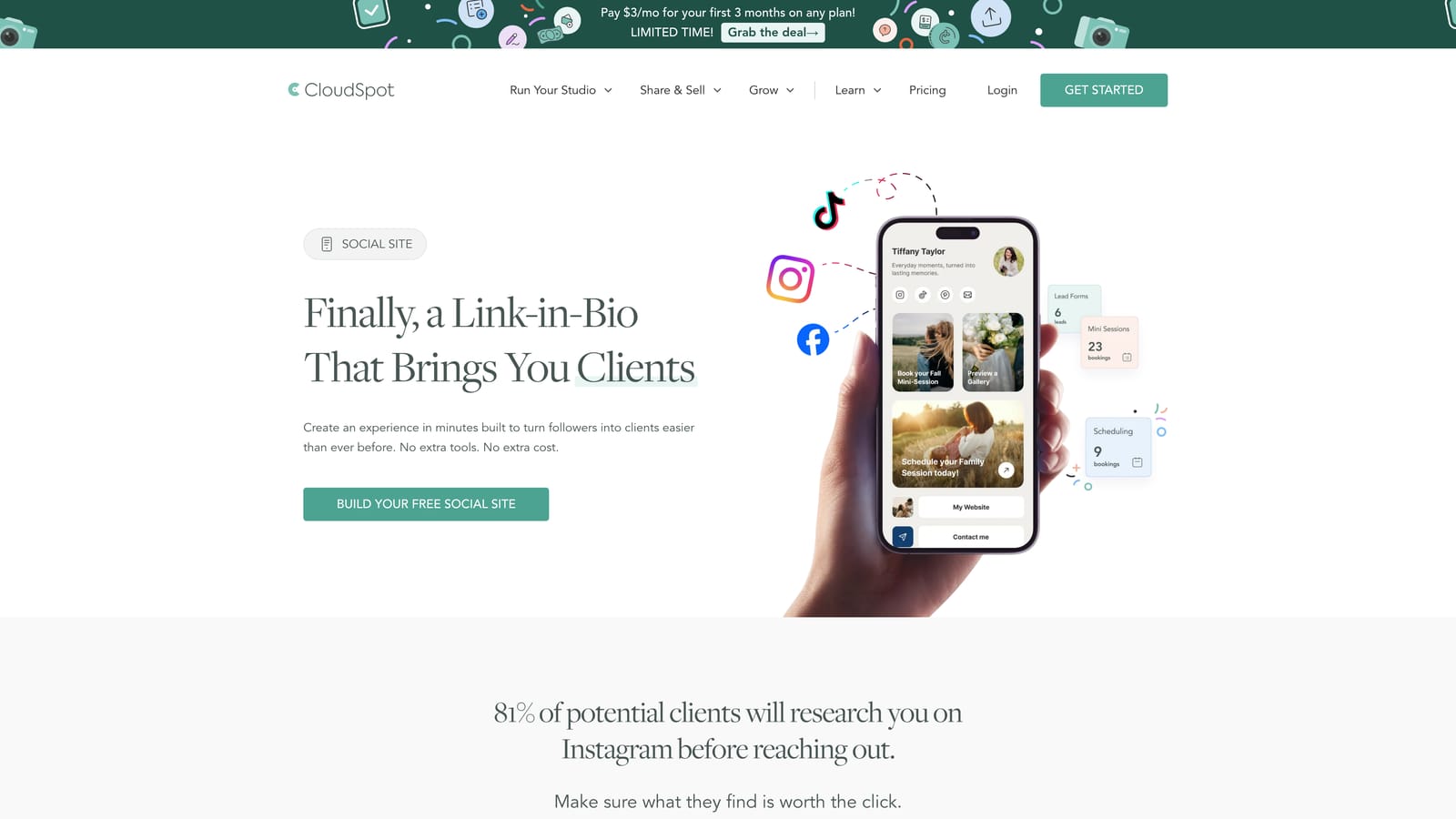
What sets it apart on this list is the tracking. Inquiries are tagged as coming from the Social Site, so you aren't left guessing whether a page view turned into a real conversation. That's the difference between "people visited" and "three people inquired this month."
- Branded templates, fonts, and colors, so the page feels like an extension of your feed instead of a stranger's template.
- An About Me, pricing, and testimonial block, so visitors can learn who you are and what working with you looks like before they ever message you.
- One-click links to CloudSpot lead forms (the inquiry forms that collect a client's date, details, and contact info), scheduling, mini-sessions (short, themed, limited-slot shoots), and portfolios.
- Free analytics covering views, clicks, top sources, leads, and bookings, so you can see whether Instagram is beating TikTok.
It feeds CloudSpot's CRM and galleries, so an inquiry that starts on your link page lands where you already manage clients and later deliver photos. New photographers can also skip building a website at first, since the page can carry your story, pricing, and booking path on its own.
Portrait photographer Danett Vargas put it this way: "It's not your typical link-in-bio tool, it's amazing how intentionally it was built for photographers."
The honest limit: it works best if you use CloudSpot's forms and scheduling. If your inquiries run through other tools, you'll get less from the lead and booking tracking. Pricing is free, with nothing to move it up.
Best for: Photographers who want a free, on-brand link page that shows which clicks become inquiries.
2. Linktree
Linktree is the most widely used general link-in-bio tool, and for good reason: you can have a page running in a few minutes. It isn't aimed at photographers specifically. It's built for anyone who needs a tidy list of links, from musicians to shops.
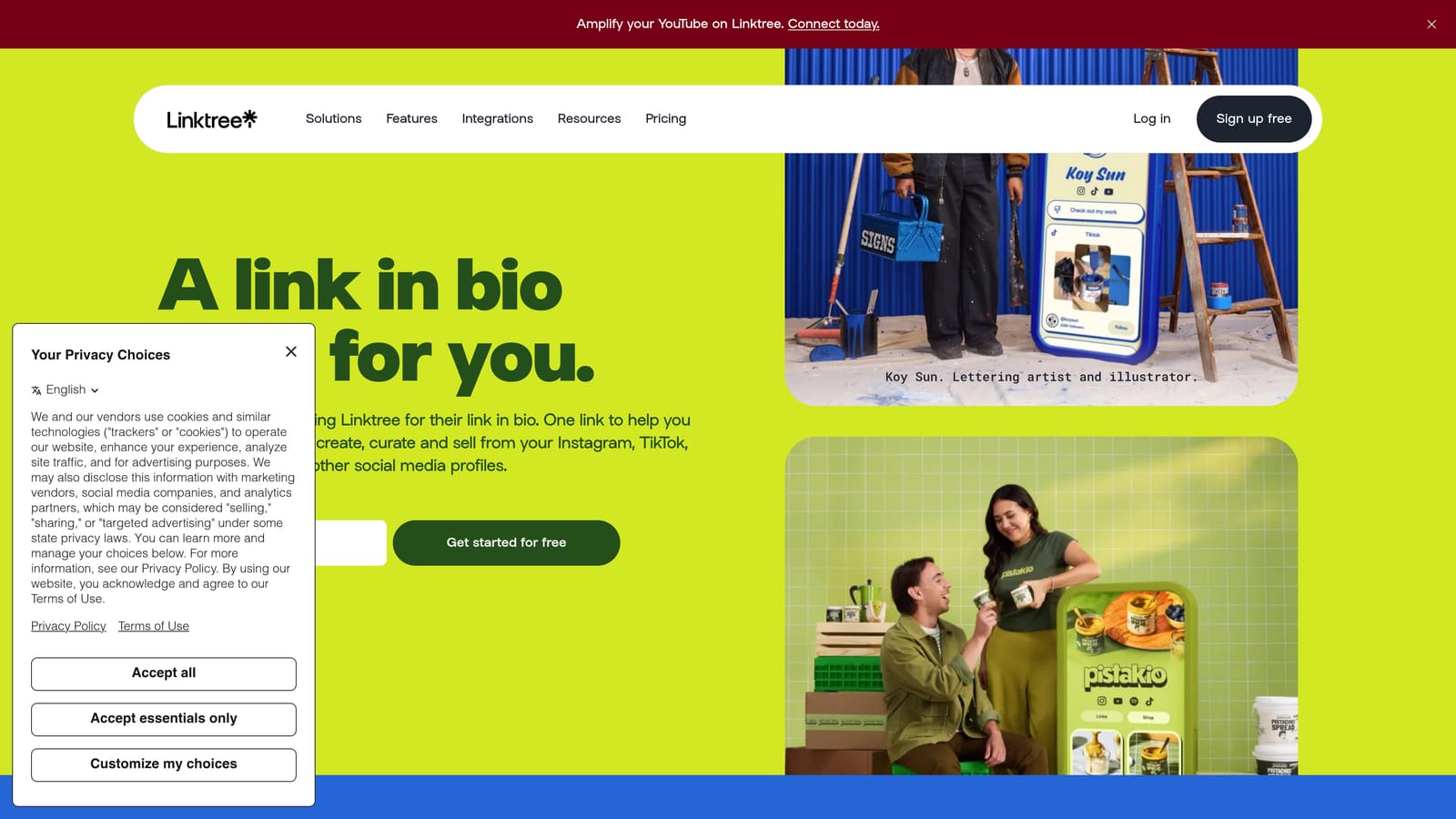
Its strength is speed and familiarity. Visitors already know what a Linktree looks like, and you don't need to learn anything new to set one up. If you've been putting off a link page because it felt like one more project, this removes the excuse.
- Fast page setup, so you can go from nothing to a live link in one sitting.
- Several link types, so you can point to a website, a contact page, or a booking link.
- Customizable themes, so you can adjust the look to a degree.
- Analytics, though what's included on the free plan versus paid plans changes, so check its site.
It connects to social platforms and a range of third-party apps; see its website for the current list. Day to day, it's a one-person job that takes minutes.
The limits matter for your business. It isn't designed around photographers' inquiry and booking workflows, so it won't capture a lead or show which clicks turned into clients unless you build that path yourself elsewhere. How closely you can match your brand depends on your plan, and a generic layout can feel disconnected from a carefully styled feed.
As of November 2026, there's a free plan; paid tiers and their prices are on Linktree's site and can change.
Best for: Photographers who want a basic link page live in minutes.
3. Pixieset
Pixieset is a photographer-focused platform covering client galleries, a website builder, client booking, and a store for print and digital sales. I couldn't confirm the details of a dedicated link-in-bio feature, so check Pixieset's site for what's currently offered before you plan around one.
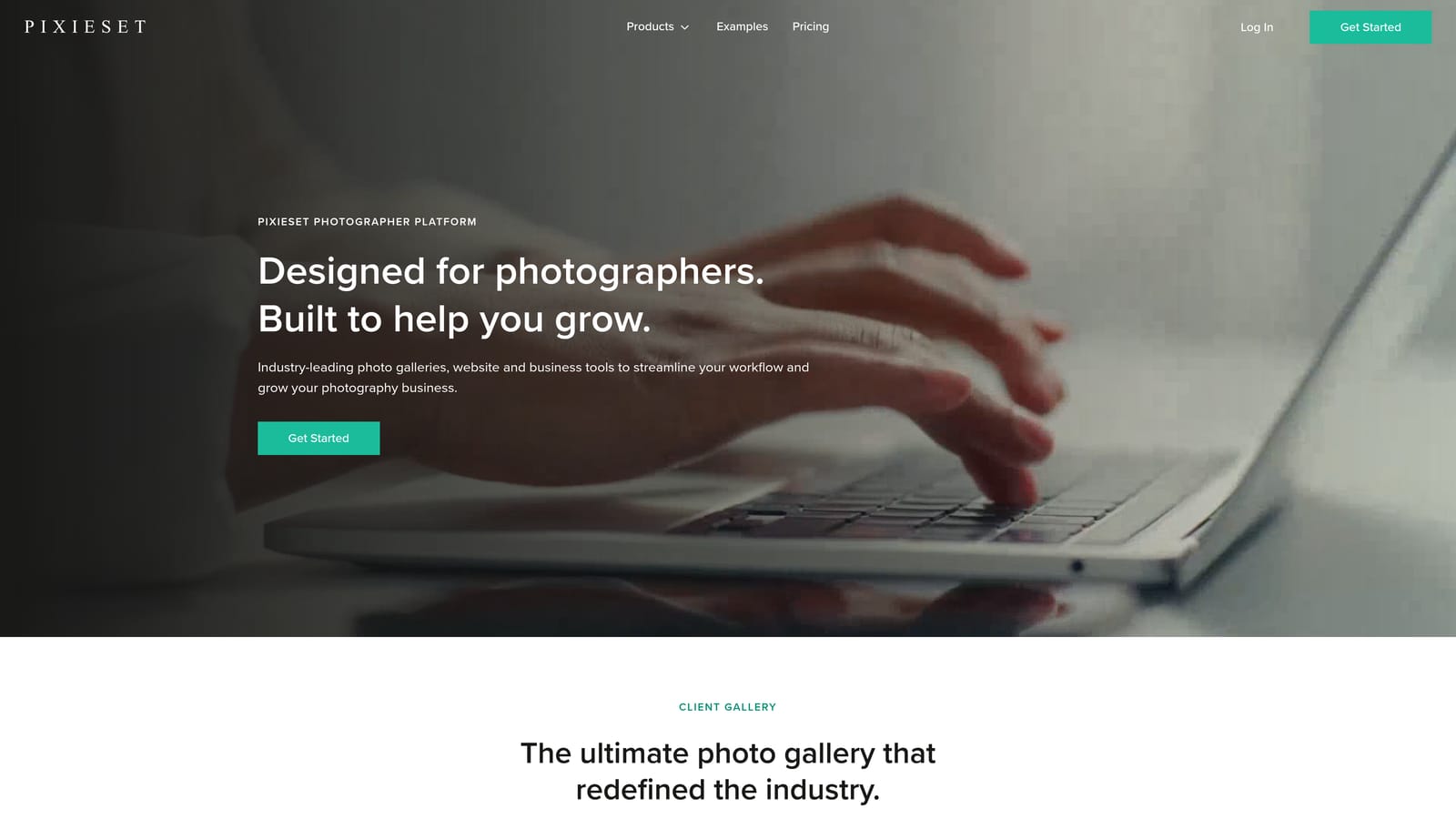
The appeal is consistency. If your galleries and website already live in Pixieset, anything you link to from Instagram can share the same look your clients have already seen. A visitor who taps through and later opens their gallery meets the same design both times.
- Client galleries, so delivery and your public presentation sit in one place.
- A website builder, so your link can lead to a site that matches your galleries.
- Client booking, which can give inquiries a clear next step (confirm current options on its site).
- A store for print and digital sales, so a happy client can order without leaving your branded space.
Setup effort depends on how much of the platform you use. A photographer who already has galleries there has a head start; someone starting fresh will be learning galleries, site, and booking together. Integrations are listed on its website.
The main limitation is that it's most useful when you already work inside the Pixieset ecosystem. If your galleries, contracts, and scheduling live elsewhere, you'd be adding another system to maintain.
As of November 2026, Pixieset offers a free plan, with paid tiers listed on its site. Pricing on paid plans can vary by the features and storage you need.
Best for: Photographers already delivering galleries with Pixieset.
4. Later Linkin.bio
Later is a social media scheduling platform, and Linkin.bio is its Instagram-focused link tool. Instead of one list of buttons, it turns your feed into a clickable grid where each post can link to its own destination.
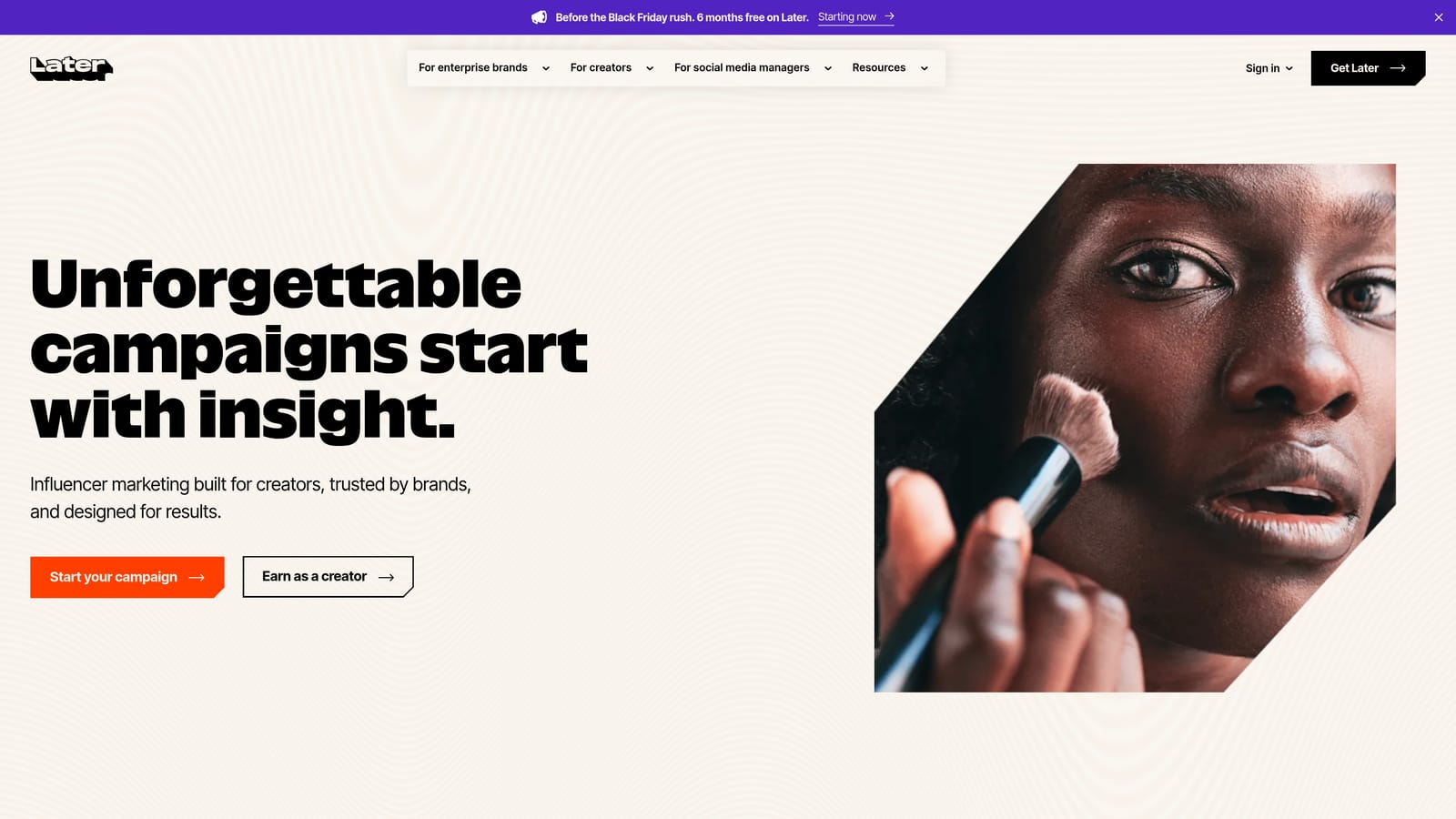
That's the distinctive idea here. A post of a recent engagement session can lead to that session's blog post, and a mini-session announcement can lead straight to its sign-up page. Visitors land closer to what caught their eye, rather than hunting through a general list.
- A clickable feed grid, so your link page mirrors your Instagram profile.
- Post-level links, so each image can send people somewhere specific.
- A connection to Later's scheduling tools, so linking happens as part of planning posts.
- Basic click analytics, though you should confirm what's included on its site.
It works with Instagram and the Later scheduler. If you already schedule posts there, adding links is a small extra step. If you don't, you'd be adopting a social tool just for this.
The limitation is purpose. It's geared toward social marketing, not lead capture, contracts, or booking. You'd need a separate form or scheduling page for the destination, and you wouldn't see which clicks became paying clients. Pricing and plan details are on Later's site and change over time, so check them as of November 2026 before deciding.
Best for: Photographers who plan Instagram content in Later and want post-level links.
5. Custom Page on Showit or Squarespace
Building a dedicated landing page on Showit or Squarespace gives you a mobile-first page designed entirely by you. It's a regular page on your website that you set as your Instagram link, instead of a separate link-in-bio product.
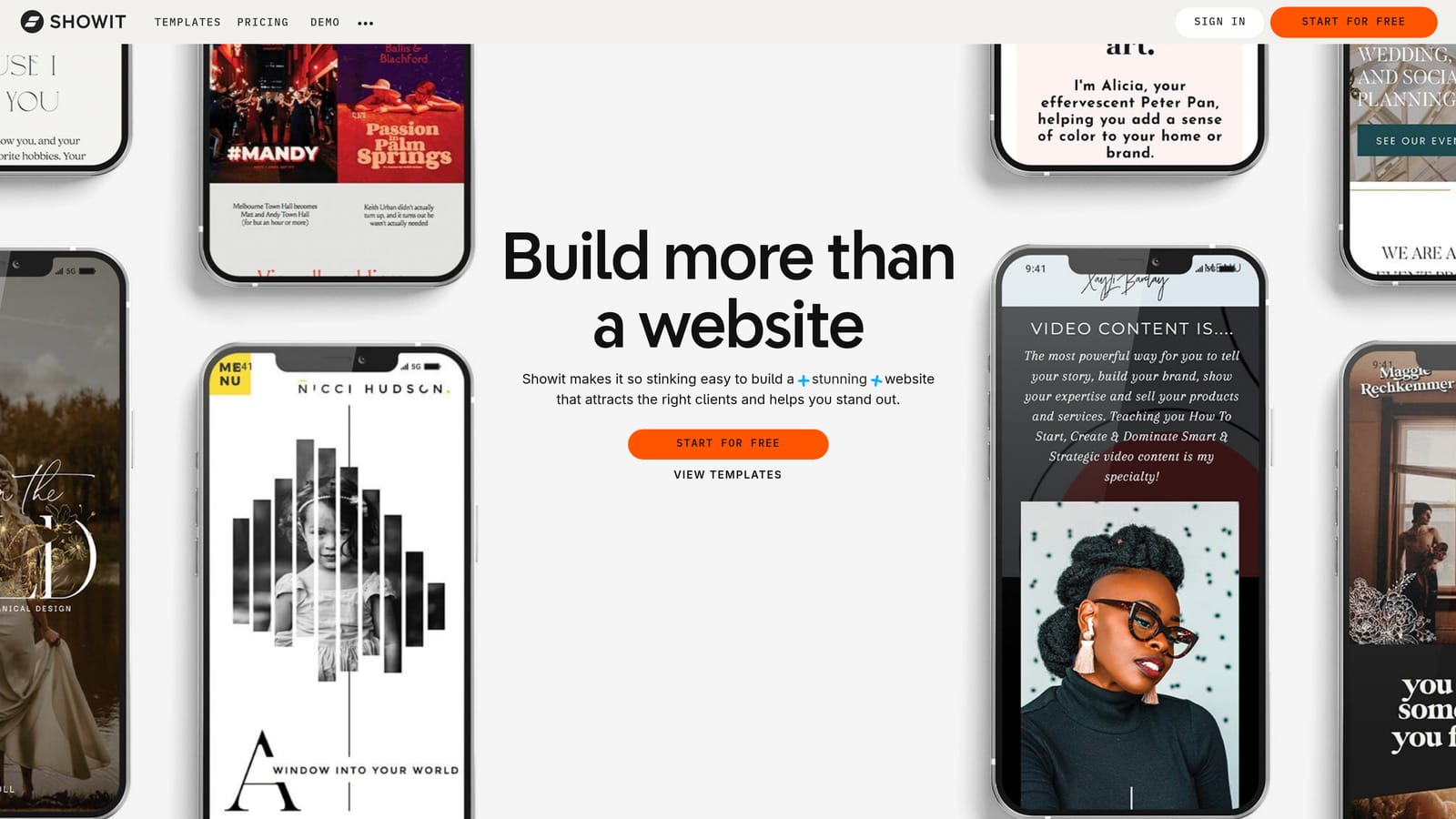
Its advantage is freedom. You choose the layout, fonts, and imagery, and it can match your brand down to the smallest detail. Because it lives on your own domain, it can also help your site's search presence, which a third-party link page generally can't.
What you can build
- Full control of layout, fonts, and imagery, so the page can look exactly like your studio.
- Embedded inquiry forms, so visitors can reach out without leaving the page.
- SEO benefits from living on your own website.
- Analytics through the platform or Google Analytics, depending on setup (confirm what each plan includes).
What it takes
You'll usually connect form tools, Google Analytics, and a CRM yourself, so setup is the heaviest on this list. Plan on time to design it, test it on a phone, and update it when your offers change. If you'd rather not touch design, this is probably more than you need.
It requires a paid plan. As of November 2026, pricing for Showit and Squarespace is on their websites, and it depends on the plan tier and your billing term. Tracking inquiries back to the page takes some manual setup.
Best for: Photographers with an existing website who want a fully custom landing page.
Choosing the Link That Fits Your Business
A few misconceptions are worth clearing up. Any list of links isn't automatically fine: a visitor who sees an off-brand page may not trust it with an inquiry. You don't need a website before you have a link page, either. And page views aren't inquiries, so a number that only counts visits can look good while telling you very little.
Three picks cover most situations:
- If you want a free, on-brand page with real tracking, start with CloudSpot Social Site. It's the one on this list built around photographer inquiries and bookings.
- If you need something live today, Linktree gets you there fastest, and you can switch later.
- If you already have a site you love, a custom Showit or Squarespace page keeps everything under your own roof.
Pixieset makes sense if your galleries already live there, and Later suits photographers who plan posts in it. Whichever you pick, a few setup habits help: lead with a clear line about who you photograph and where, put your inquiry or booking link first, add a short About section and a testimonial, and keep pricing visible so people can decide if you fit. Then check your numbers monthly and move the link that gets clicked to the top.
If you'd like a gentle place to start, CloudSpot Social Site is free, so you can set up a page that looks like you and see what your visitors actually do. No pressure to switch everything at once. Try CloudSpot Free!



How to Use Instagram Reels as a Photographer: A Practical Guide

20 Instagram Content Ideas for Photographers (That Actually Attract Clients)
How to Write Instagram Captions That Book Photography Clients (Step-by-Step Guide)


